
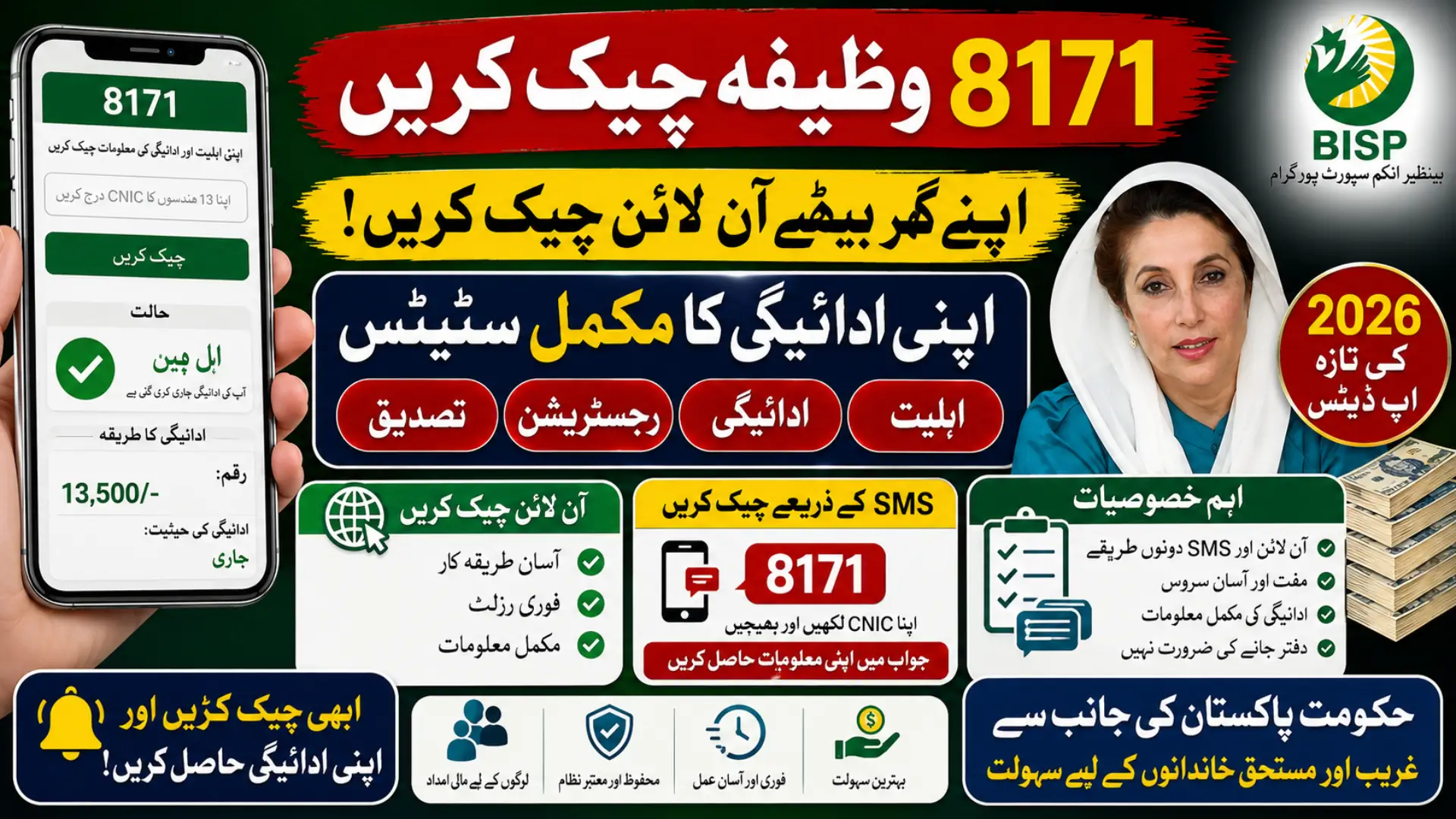
The 8171 Wazifa Check Online by CNIC 2026 service allows eligible families in Pakistan to verify their Benazir Income Support Programme (BISP) payment status from home. Instead of visiting multiple offices, beneficiaries can now check their eligibility, payment details, and registration status online or through SMS using their CNIC.
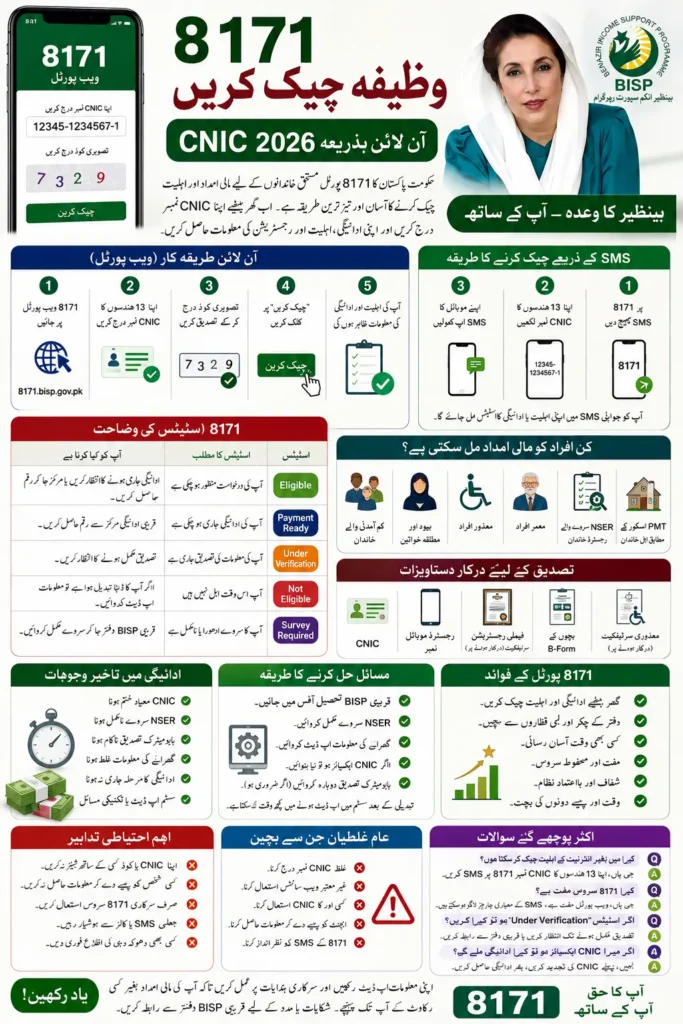
In 2026, the Government of Pakistan has continued improving the 8171 system to make payment verification faster, more transparent, and easier for deserving families. This guide explains every method to check your BISP payment, common issues, eligibility rules, and useful tips to ensure you receive your financial assistance without delays.
What is the 8171 Wazifa Check Online System?
The 8171 portal is the official verification system introduced for beneficiaries of the Benazir Income Support Programme (BISP). It helps applicants confirm whether they qualify for financial assistance and whether their payment has been released.
Using your 13-digit CNIC number, you can instantly check your application status, payment details, and eligibility without visiting a BISP office. The system is designed to save time, reduce overcrowding at payment centers, and improve transparency.
Who Can Check Their Wazifa Through 8171?
The service is available for families registered under BISP and related welfare programs. If you have completed the required registration process, you can use the system to track your payment.
Eligible applicants generally include:
- Low-income households
- Widows and divorced women
- Persons with disabilities
- Senior citizens meeting BISP criteria
- Families registered through the NSER survey
- Households with an approved PMT score
Meeting the eligibility requirements does not always guarantee immediate payment, as verification may still be in progress.
You can also read: BISP Digital Wallets SBP Check New Bankin
8171 Wazifa Check Online by CNIC 2026 (Step-by-Step)
Checking your payment online takes only a few minutes if you have your CNIC available.
Method 1: Check Through the 8171 Web Portal
Follow these simple steps:
- Visit the official 8171 web portal.
- Enter your 13-digit CNIC number.
- Type the verification code shown on the screen.
- Click the Check Status button.
- Your eligibility and payment information will appear instantly.
This method provides the most detailed information regarding your application and payment status.
Method 2: Check Through SMS
If you do not have internet access, you can use the SMS service.
- Open the SMS application.
- Type your 13-digit CNIC number.
- Send it to 8171.
- Wait for the official reply.
The response usually includes your eligibility or payment status.
8171 Status Meanings Explained
Understanding your status helps you know what action to take next.
| Status | Meaning | What You Should Do |
|---|---|---|
| Eligible | Your application has been approved. | Wait for payment or collect it if available. |
| Payment Ready | Your amount has been released. | Visit the payment center or use your digital wallet if applicable. |
| Under Verification | Your information is still being checked. | Wait for the verification process to finish. |
| Not Eligible | You currently do not qualify. | Update your household information if your circumstances have changed. |
| Survey Required | NSER data is incomplete or outdated. | Visit the nearest BISP office for a new survey. |
Documents Required for Verification
Keeping your documents updated helps avoid payment delays.
You may need:
- Original CNIC
- Registered mobile number
- Family Registration Certificate (if requested)
- Children’s B-Form for education-related payments
- Disability certificate (where applicable)
Always provide genuine documents during verification.
Latest 2026 Updates for 8171 Beneficiaries
Several improvements have been introduced to make the payment system more secure and efficient.
Recent updates include:
- Faster payment verification
- Improved online status checking
- Expanded digital payment services
- Better fraud prevention measures
- Stronger biometric verification
- Improved complaint handling process
Beneficiaries should regularly check official updates to stay informed about new payment schedules.
Common Reasons Why Your Payment Is Delayed
Sometimes payments are delayed even after approval. In most cases, the issue can be resolved by updating your records.
Common reasons include:
- Expired CNIC
- Incomplete NSER survey
- Failed biometric verification
- Incorrect household information
- Payment cycle not yet released
- Technical system updates
If your payment remains delayed for an extended period, contact the nearest BISP office.
How to Solve Verification Problems
If your application shows verification pending or another issue, do not panic. Most problems can be corrected after updating your information.
You should:
- Visit the nearest BISP Tehsil Office.
- Complete any pending NSER survey.
- Update your family information if required.
- Renew an expired CNIC.
- Complete biometric verification again if requested.
After updating your records, allow some time for the system to process the changes.
You can also read: CM Rehmat Card Apply Online Check
Benefits of Checking 8171 Online
Using the online verification system offers several advantages over visiting offices repeatedly.
Some key benefits include:
- Quick payment verification
- No unnecessary travel
- Available anytime
- Free to use
- Transparent application tracking
- Reduced waiting time
Regularly checking your status helps you stay informed about payment releases and eligibility updates.
Common Mistakes to Avoid
Many applicants accidentally delay their payments because of simple mistakes.
Avoid the following:
- Entering an incorrect CNIC number
- Using someone else’s CNIC
- Trusting unofficial websites
- Paying agents for free services
- Ignoring SMS notifications from 8171
- Sharing personal information with unknown individuals
Always use official BISP channels for verification and support.
Safety Tips for Beneficiaries
Protecting your personal information is just as important as receiving your payment.
Remember these safety tips:
- Never share your CNIC or verification code with strangers.
- Do not pay anyone to check your eligibility.
- Keep your registered mobile number active.
- Verify information only through official BISP platforms.
- Report suspicious messages or calls immediately.
Following these precautions helps protect you from fraud.
Frequently Asked Questions
Can I check my 8171 payment without internet?
Yes. Simply send your 13-digit CNIC number via SMS to 8171 to receive your payment status.
Is checking the 8171 status free?
Yes. The online portal is free to use. Standard SMS charges may apply when using the SMS service.
What should I do if my status says “Under Verification”?
Wait until the verification process is completed. If the status does not change for a long time, visit your nearest BISP office.
Can I receive payment if my CNIC has expired?
No. You should first renew your CNIC through NADRA before collecting your payment.
How often should I check my payment status?
Checking once every few weeks or after official payment announcements is generally sufficient.
You can also read: Bill QR Code Scanner Online August
Conclusion
The 8171 Wazifa Check Online by CNIC 2026 system has made it much easier for deserving families to verify their BISP payments without unnecessary travel or long queues. Whether you choose the online portal or the SMS service, both methods provide a simple and reliable way to track your eligibility and payment status.
To avoid delays, always keep your CNIC and household information updated, complete any required verification promptly, and rely only on official BISP communication. Staying informed and following the correct process will help ensure you receive your financial assistance smoothly and securely.